









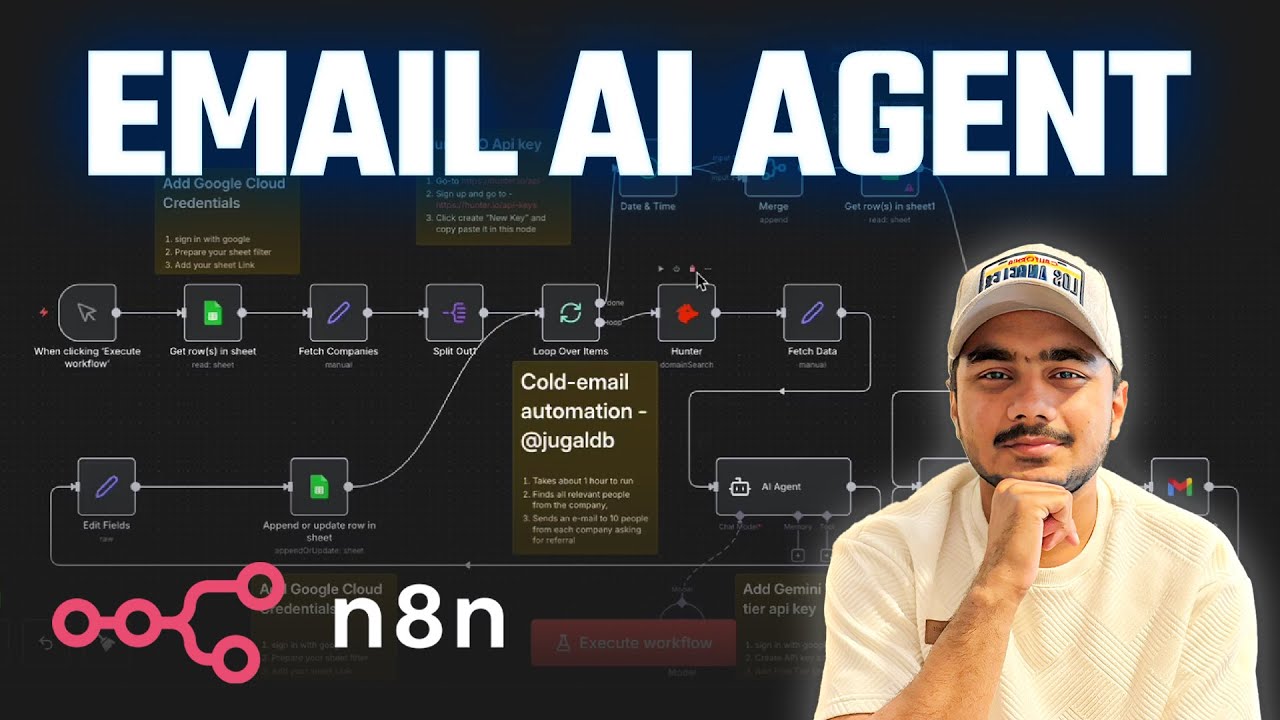
Stop sending generic cold emails. Learn how to automate personalized job referral emails using n8n, Google Sheets, Hunter API, and Google Gemini.
In this step-by-step tutorial, I’ll show you exactly how to:
✅ Set up a Google Sheets database to manage job referrals
✅ Create OAuth credentials for Google Sheets and Gmail
✅ Use Hunter API to find relevant email addresses from companies
✅ Integrate Google Gemini AI to generate personalized emails automatically
✅ Send emails through Gmail with your resume attached
✅ Track everything in one centralized dashboard
Link to the entire workflow – https://open.substack.com/pub/jugaldb/p/the-referral-engine-n8n-hunter-gemini?r=18lxy5&utm_campaign=post&utm_medium=web&showWelcomeOnShare=false
00:00 Introduction and Job Referrals
02:24 Setting Up Google Sheets
04:24 Creating OAuth Credentials
07:11 Using Hunter API for Emails
10:01 Integrating Gemini Chat Model
14:50 Personalized Email Generation
17:39 Final Steps and Sending Emails
Who am I:
I’m Jugal, a former master’s student at the University of Illinois, Urbana-Champaign. I make videos about master’s, applications, travel and lifestyle. I also have an Instagram account where I post videos daily about my life and tips for people in the US or planning to come to the US.
🌍 My website – https://www.jugaldb.com
📸 Instagram – https://instagram.com/jugaldb
🐦 Twitter – https://twitter.com/jugaldb
#uiuc #mastersdegree #computerscience #usa
source