








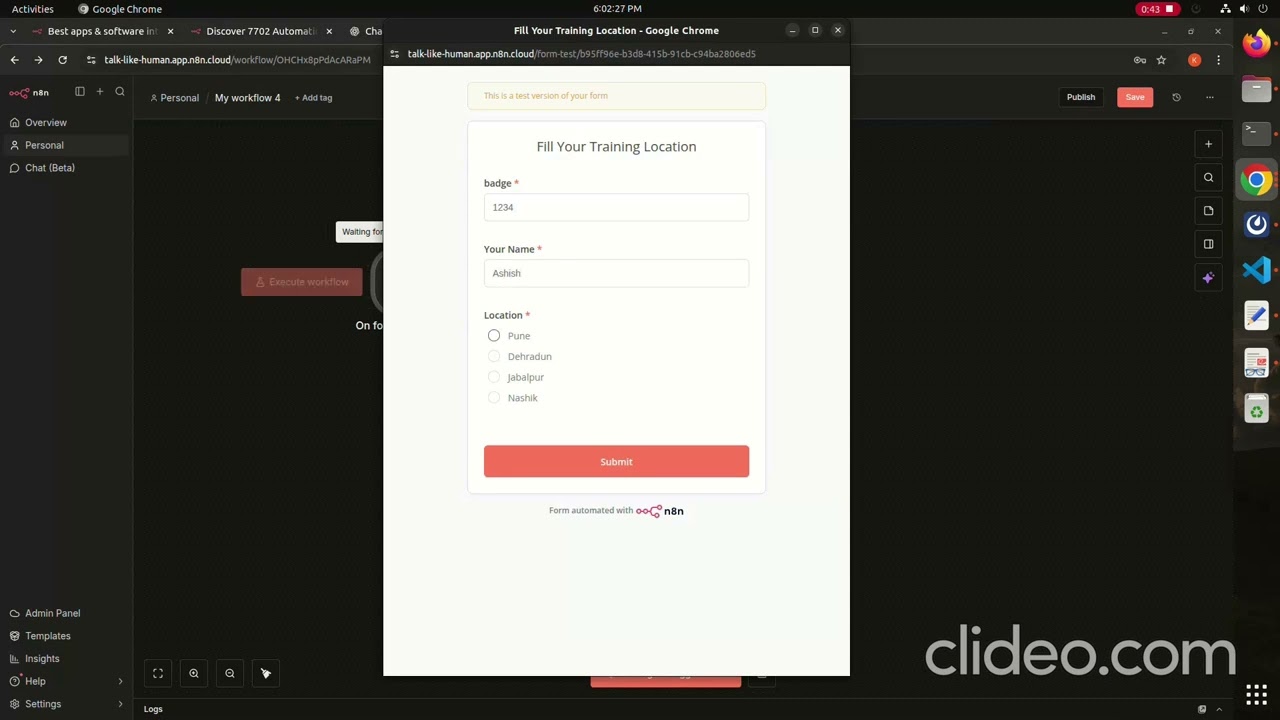
In this video, I show you how to build a simple but powerful automation using n8n. Learn how to capture data from a web form and instantly append it to a Google Sheet row without writing any code.
🚀 What you will learn:
How to set up the “On Form Submission” trigger in n8n.
How to create custom form fields (Badge, Name, Location).
How to connect and map data to the Google Sheets node.
Testing and publishing your workflow.
🛠️ Tools used:
n8n: https://n8n.io/
Google Sheets
👇 Workflow Overview: 0:00 – Intro & Workflow Demo 0:30 – Testing the Form Submission 0:53 – Verifying Data in Google Sheets 1:05 – Step-by-Step Node Configuration 1:50 – Publishing the Automation
If you found this helpful, please Like and Subscribe for more automation tutorials!
source