









This video was edited with Cutsio: https://cutsio.com
🚀 1-on-1 Business AI Integration Consultation: https://book.talkflowai.com/ai
Check out the VAPI Inspector Chrome Extension I made:
https://go.talkflowai.com/vapi-inspector
🔥 Get your 10% Discount on VoiceAI Wrapper: https://go.talkflowai.com/VW
🔥 Get free $10 to signup on VAPI: https://go.talkflowai.com/vapi
🔥 Get free $10 on RetellAI: https://go.talkflowai.com/retell
🔥 Get 50% discount on Elevenlabs: https://go.talkflowai.com/11labs
Sign Up for n8n: https://go.talkflowai.com/n8n
Download the n8n templates: https://go.talkflowai.com/n8nTemplates
💰White label your VAPI Agency (10% Discount coupon): https://go.talkflowai.com/VW
This tutorial was recorded using Tella: https://go.talkflowai.com/tella
💡 Exclusive Signup Discounts on Top AI Tools: https://go.talkflowai.com/discounts
📚 Explore My YouTube Playlists
🔧 n8n Tutorials
Automate anything using n8n with easy-to-follow tutorials.
Playlist: youtube.com/playlist?list=PLuFYDtKb04W-0hVFMwLMAl0SFFShEsPuD
📞 AI Cold Calling with VAPI
Build AI agents that talk on calls using VAPI.
Playlist: youtube.com/playlist?list=PLuFYDtKb04W_qL7jbNrsjt5n7YK7PYyD0
🤖 AI & Automation Projects
Real-world AI tools and automation ideas to save time and scale fast.
Playlist: youtube.com/playlist?list=PLuFYDtKb04W8lqD0a3ZthMyub5cTi46Up
🧠 Google & Gemini AI Experiments
Explore powerful AI tools from Google and Gemini with hands-on use cases.
Playlist: youtube.com/playlist?list=PLuFYDtKb04W8ZtTtCsPXv9_x-8IbtS7mS
🌐 Beginner API Integration Guide
Learn how to work with APIs even if you’ve never touched one before.
Playlist: youtube.com/playlist?list=PLuFYDtKb04W_aVwmvbzyiynLzWQpLziWY
Chapters:
00:00 Introduction: The Hidden Money in Follow-up Calls
00:32 Lead Reactivation: The Voice AI Agent Solution
00:53 Live Demo: Database and Trigger
01:30 Voice AI Call Simulation
02:49 Post-Call Summary & Airtable Update
03:39 How to Build: Step 1 – Airtable Setup
03:56 Step 2: Creating the Voice AI Agent in VAPI
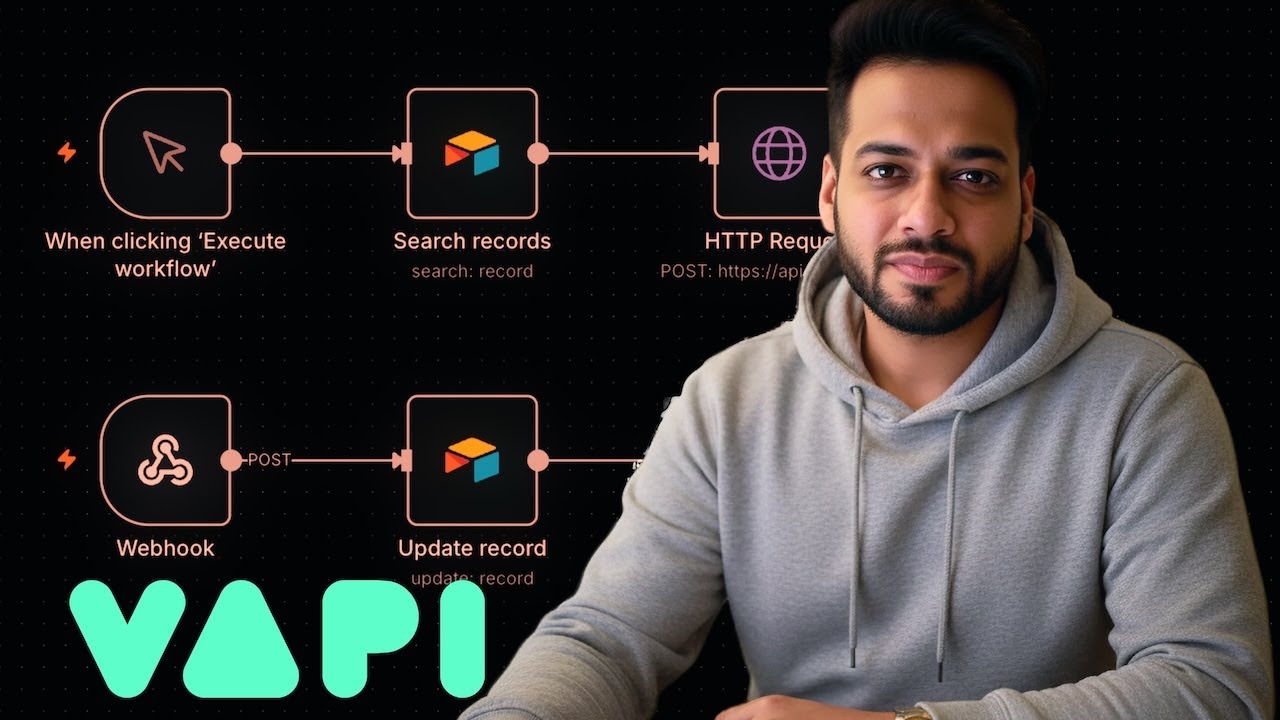
05:30 Step 3: The n8n Automation Workflow
06:20 Connecting Airtable to n8n (Access Token & Scopes)
07:07 Filtering Leads in n8n (Followed Up = No)
08:03 Triggering the Call: VAPI HTTP Request
08:47 Personalizing the Agent with Assistant Overrides
10:37 Receiving the Summary: Webhook & Update Record
11:49 Critical Step: Matching on Phone Number for Update
13:07 Conclusion & Free Template
source