








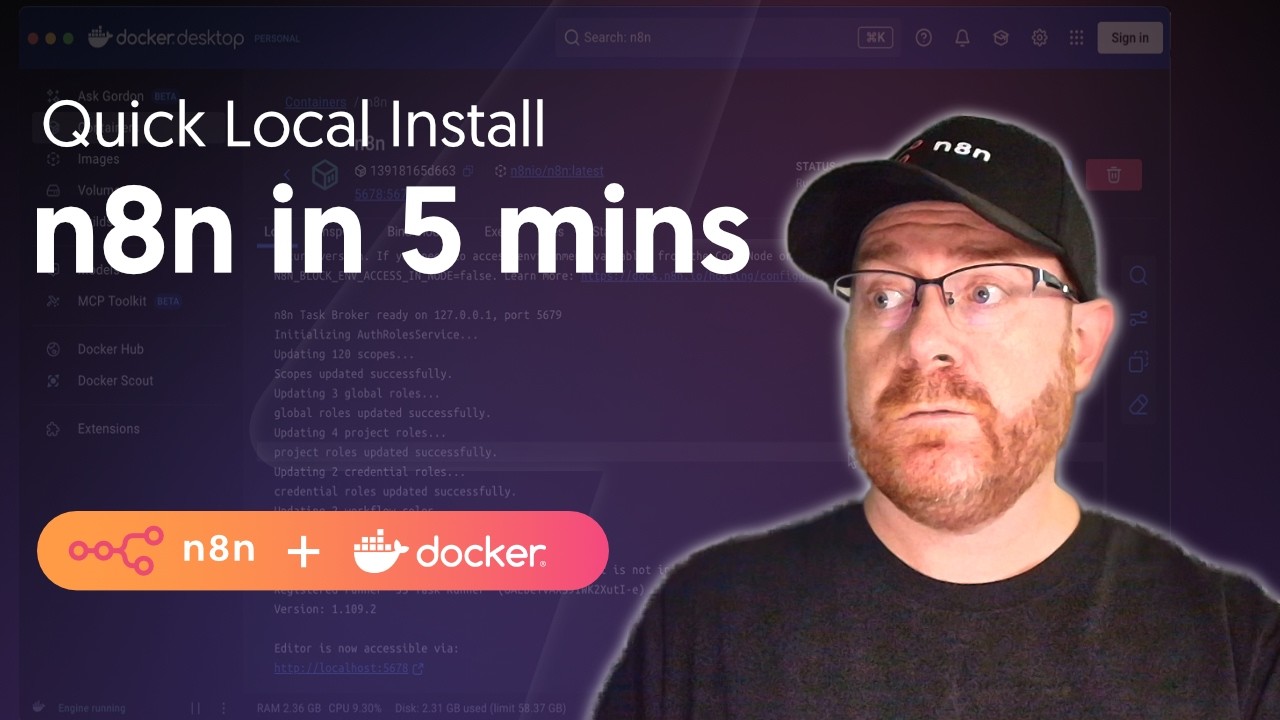
Learn how to install and run n8n locally using Docker Desktop with a simple GUI setup – no command line needed! This quick tutorial shows you how to get n8n running on your computer with persistent data storage in under 5 minutes.
🎯 What You’ll Learn:
– Installing Docker Desktop on your system
– Setting up n8n container through Docker Desktop’s interface
– Configuring persistent data storage for your workflows
– Accessing your local n8n instance
⏰ Perfect for: Beginners who want to try n8n locally without touching the terminal
🔧 Prerequisites: Just a computer – we’ll handle everything through Docker Desktop’s GUI!
Reference: https://go.n8n.io/n8n-docker
To get started even quicker, sign up for n8n cloud https://go.n8n.io/n8n-pricing
💡 Ready to automate your workflows? This is the easiest way to get started with n8n locally!
Time Stamps:
00:00 – Introduction
00:16 – Download Docker Desktop
00:34 – Install Docker Desktop
01:13 – Open Docker Desktop
01:23 – Get your timezone
01:44 – Create persistent volume
02:12 – Download n8n image
02:27 – Configure container settings
03:45 – Start n8n container
03:51 – Access n8n locally
source