








Get my 1-1 support to Start and Scale your AI Agency: https://go.jmsolutionss.digital/b95232cc
Get the FREE n8n Workflow Template from this video: https://go.jmsolutionss.digital/a04badd6
The NEW Way to Build RAG Agents in Minutes (n8n Tutorial)
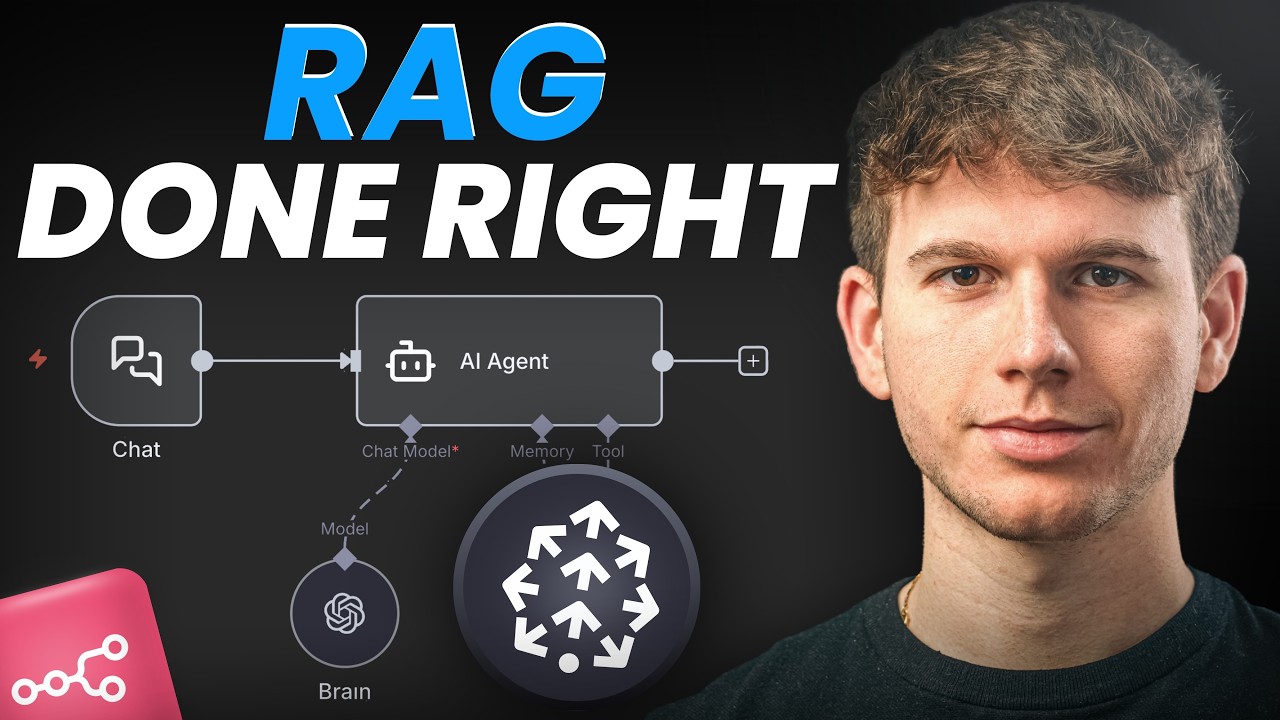
In this video, I show you how to build a complete RAG (Retrieval-Augmented Generation) AI agent from scratch. We’ll use n8n, Pinecone, and OpenAI to build an AI chatbot that can “learn” from any document (like a PDF) and answer specific questions about its contents.
We’ll cover:
– What RAG (Retrieval-Augmented Generation) is and why it’s the key to building powerful AI agents.
– How to set up a free Pinecone vector database to act as your AI’s “brain.”
– Workflow 1 (Ingestion): How to automatically trigger a workflow when a new file is added to Google Drive, download it, and “embed” its contents into your Pinecone database.
– Workflow 2 (Querying): How to build the AI chatbot using the n8n AI Agent node that can query your Pinecone database to find relevant information and answer user questions.
– The exact setup for the AI Agent, Pinecone Vector Store, OpenAI Embeddings, and Google Drive Trigger nodes.
Timestamps
00:00 – Intro
00:34 – The 2-Part Automation
02:32 – The Core Concept
04:12 – Step 1: Building the “Ingestion”
09:24 – How to Set Up Pinecone Account
10:29 – Creating Your Pinecone Index
12:55 – n8n Workflow: Default Data Loader
13:15 – Running the Ingestion Workflow
14:08 – Step 2: Building the “Query” Workflow
15:13 – n8n Workflow: Pinecone Vector Store
17:11 – The AI Agent’s System Prompt
18:04 – Final Demo
18:32 – Outro
source