








Setup your n8n VPS with Hostinger and get 10% off: http://www.hostinger.com/chrispunt
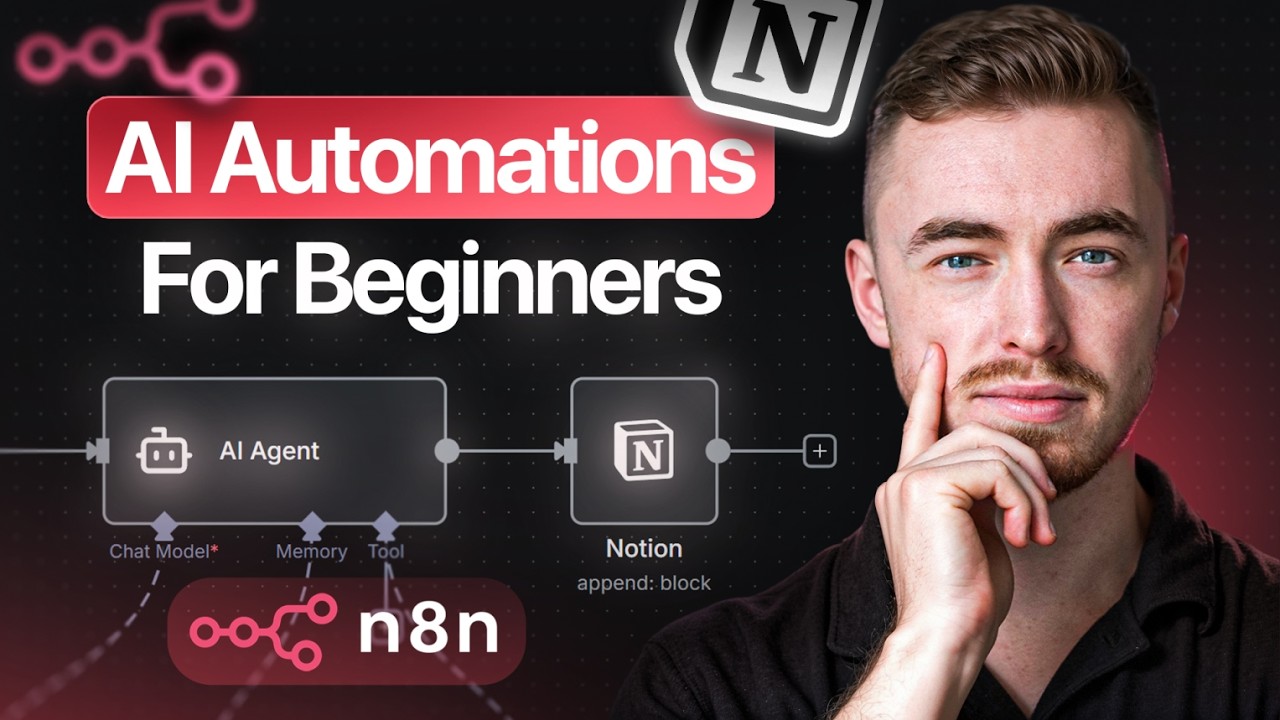
Learn how to build AI automations with n8n and Notion completely free. In this step-by-step tutorial, I’ll show you how to set up n8n, connect it to Notion, and build your first AI automation workflow from scratch. Perfect for beginners who want to automate their Notion workspace without coding.
10% off Hostinger VPS for n8n: http://www.hostinger.com/chrispunt
(Use code “CHRISPUNT” for 10% off)
Telegram to Notion Task Automation Resources: https://www.skool.com/notionwizards/how-to-build-ai-automations-with-n8n-notion-for-beginners?p=7a25f9f2
▬▬▬▬▬▬▬▬▬▬▬▬▬▬▬▬▬▬▬▬▬▬
Notion Templates:
🎁 Notion Bundle: https://chrisnotion.gumroad.com/l/notionbundle
🍃 Life OS Dashboard: https://www.lifeosdashboard.com/
💵 Finance OS: https://www.chrisnotion.com/financeos
📦 All templates: https://chrisnotion.gumroad.com
▬▬▬▬▬▬▬▬▬▬▬▬▬▬▬▬▬▬▬▬▬▬
FREE Notion Course & Community: https://www.skool.com/notionwizards
Systemize your business: https://www.systemiz.com/
Work with me: https://cal.com/chrisnotion/discovery-call
▬▬▬▬▬▬▬▬▬▬▬▬▬▬▬▬▬▬▬▬▬▬
Timestamps:
00:00 Intro
00:22 n8n Automation walkthrough
03:11 The 3 different n8n hosting options
05:25 Setting up n8n & Hostinger VPS
11:13 n8n Software walkthrough
12:22 Linking Notion with n8n
14:27 Linking Gemini with n8n
15:27 Linking Telegram with n8n
17:17 Explaining n8n data for Notion users
19:50 Building the Telegram to Notion AI Automation
▬▬▬▬▬▬▬▬▬▬▬▬▬▬▬▬▬▬▬▬▬▬
Thanks for watching 🙂
source