








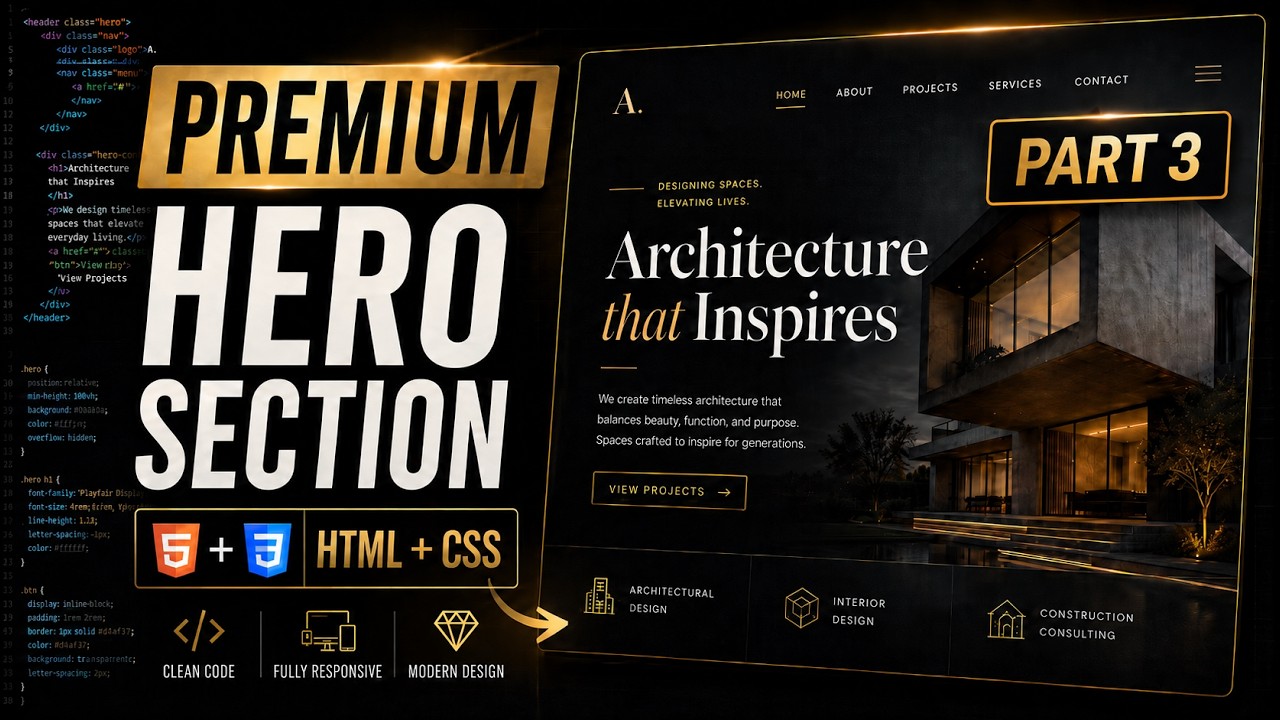
In this video, we continue our premium architecture website tutorial series by adding smooth entrance animations and a custom JavaScript cursor effect.
We will improve the website experience by adding elegant CSS animations for the hero tag, title, subtitle, and image section. Then we will create a premium dual-ring custom cursor using JavaScript, mouse tracking, requestAnimationFrame, smooth lerp movement, hover interactions, and mobile-friendly fallback behavior.
This is Part 3 of the architecture hero section tutorial series. In this part, we focus on micro-interactions, animation polish, and JavaScript functionality to make the website feel more premium and professional.
Previous video: https://youtu.be/jgB8UjCHiX8
What you will learn:
How to add smooth CSS entrance animations
How to use CSS keyframes for premium UI effects
How to create fade-up, fade-down, and scale animations
How to build a custom cursor using JavaScript
How to track mouse movement with JavaScript
How to use requestAnimationFrame for smooth animation
How to create a trailing cursor effect using lerp
How to add hover effects to interactive elements
How to make a website feel more modern using micro-interactions
This tutorial is perfect for beginners and frontend developers who want to improve their HTML, CSS, and JavaScript skills by building a premium modern website section.
If you enjoy modern web design tutorials, don’t forget to like, share, and subscribe for more HTML, CSS, and JavaScript projects.
————————————————————————
Contact us on livebloggerofficial@gmail.com
source