








Tell me what automation or workflow to build next: https://forms.gle/rDS4ofj3jeTUiYU4A
You’ve been hearing about AI and automation for a while now but never had the time to actually implement it. This video is where that changes.
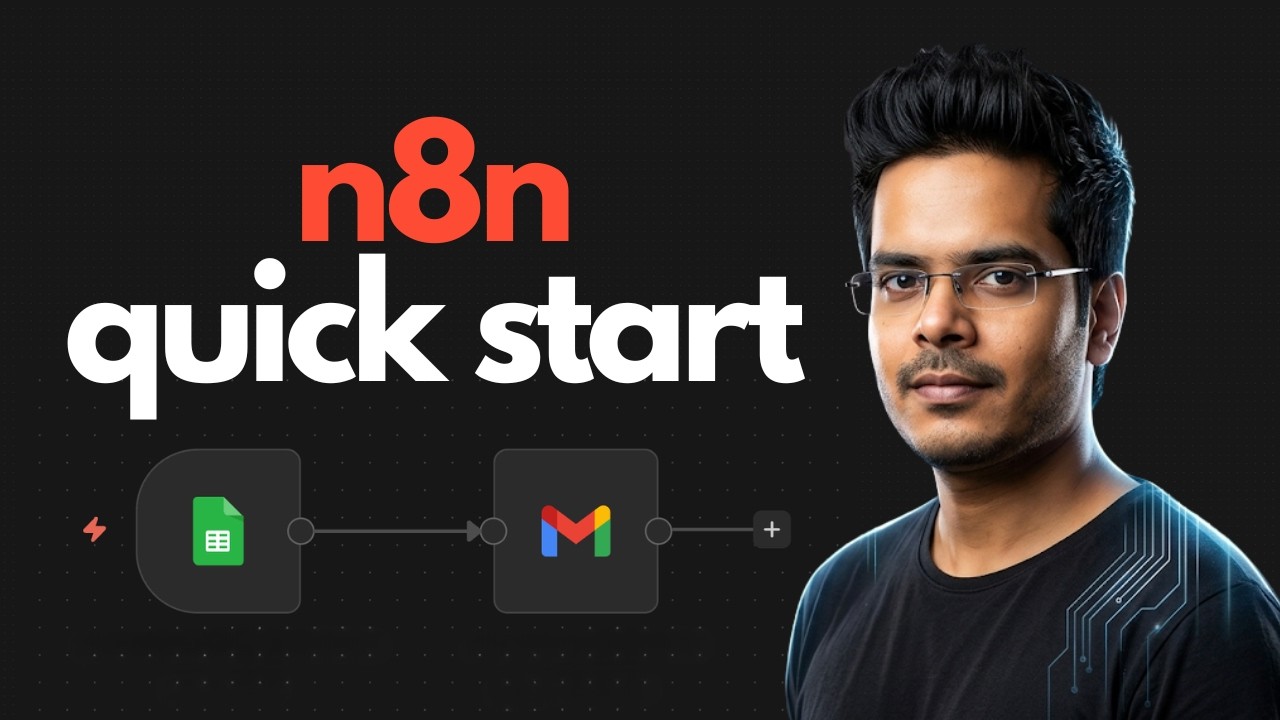
In this tutorial you’ll set up n8n from scratch and build your first real automation workflow, no code required. By the end you’ll have a live system that automatically logs form submissions to Google Sheets and sends a personalised confirmation email, running 24/7 without you touching it.
This is Video 1 of the complete n8n automation series for founders and operators. By the time you finish this playlist you’ll have built AI agents, voice bots, automated lead qualification, customer support systems and more, all on n8n.
What we build in this video
Form submission → auto log to Google Sheets → send personalised confirmation email via Gmail
What you’ll learn
– How to set up n8n cloud
– How to connect Google Sheets and Gmail
– How to map data between nodes
– How to activate and run a live workflow
Tools used
– n8n cloud
– Google Forms
– Google Sheets
– Gmail
00:00 – Introduction
00:56 – Intro to n8n
01:23 – n8n vs Make vs Zapier
02:15 – 3 Ways to Use n8n
03:08 – Starting with n8n Cloud
04:29 – Your First Automation
source