









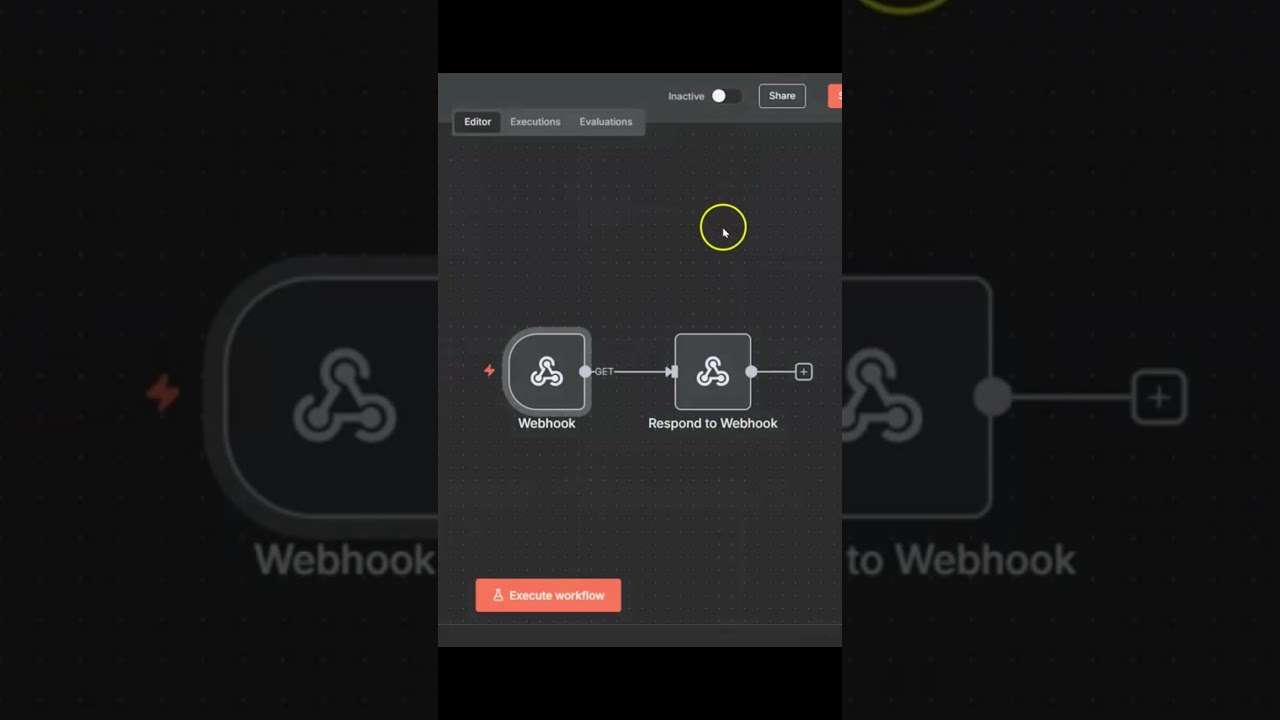
Please note: in newer versions of n8n the Active and Inactive toggle has been replaced with a Publish button. If you can’t find the Active toggle in your n8n interface, look for the Publish button instead.
In this video we will learn how to make our n8n workflow active so that it can be used in production. To demonstrate, I will show how to create a webhook so that we can try calling the workflow externally from a web browser, to see what message we receive both in an active state and an inactive state.
source