









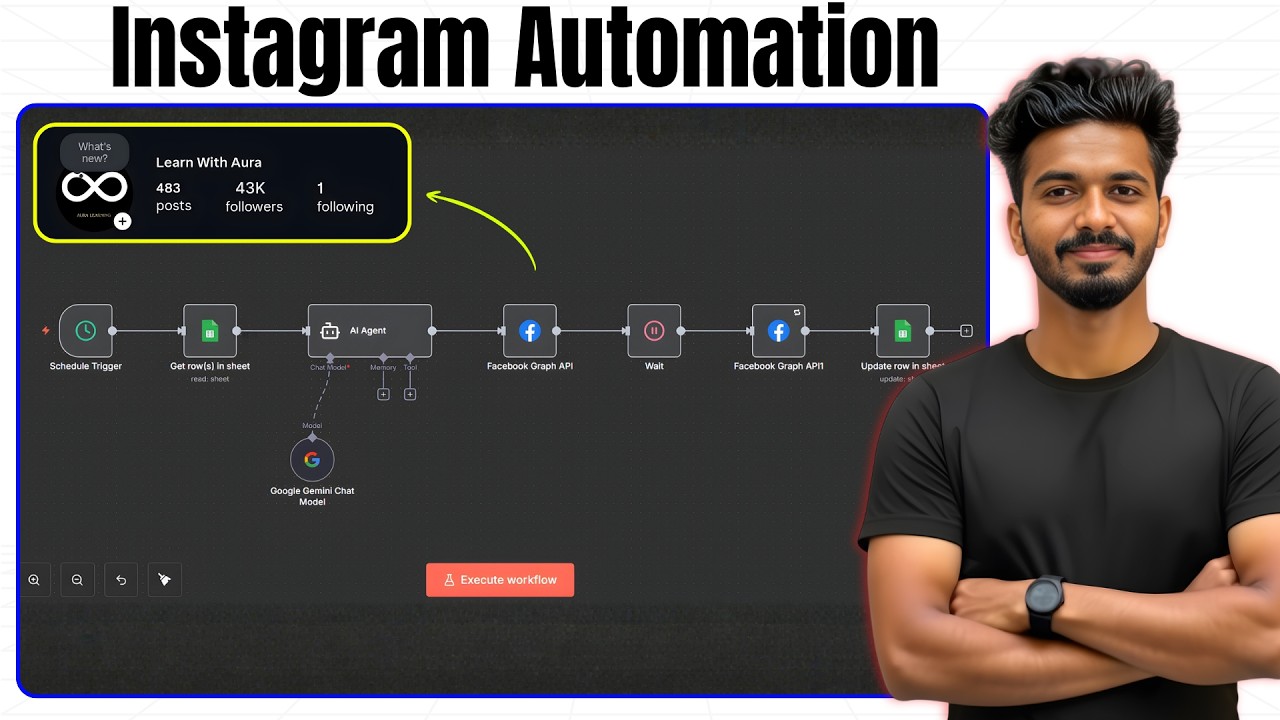
Automate your Instagram posting with this complete N8N Instagram Automation workflow!
In this step-by-step guide, I’ll show you how to auto-post Instagram Reels, generate AI captions, upload videos using Cloudinary, and publish automatically through the Facebook Graph API.
This is the exact automation I used to grow from 0 to 43K followers in just 6 months — and I’m giving you the free N8N template so you can set it up instantly.
✅ What you’ll learn:
– How to set up Google Sheets for content planning
– How to use AI to generate Instagram captions
– Cloudinary setup for hosting reels
– Facebook Graph API integration
– Automatic Instagram reel posting with N8N
– Status tracking and auto-next posting
– Complete automation from start to finish
📥 Download the Free N8N Template: https://rajeevdaz.com/n8n-instagram-automation/
🔗Useful Links:
Google credentials setup: https://youtu.be/NPZ5UtbIq1s
Free Google Gemini API key: https://youtu.be/prrb0hsfI60
⏰ Timestamps:
0:00 – Intro + Quick Demo
0:44 – Resources Overview
1:55 – Creating the N8N Workflow
2:40 – Google Sheets Setup
3:56 – AI Caption Generation
5:25 – Cloudinary Setup
7:08 – Connect Instagram + Facebook
8:55 – Generate Access Token
11:14 – Facebook API Nodes (Upload + Publish)
15:40 – Final Test
16:24 – Conclusion
🚀 Perfect for creators, agencies, and automation lovers!
If you found this valuable, don’t forget to like & subscribe for more AI and automation tutorials.
#n8ntutorial #instagramautomation #aiautomation
source